
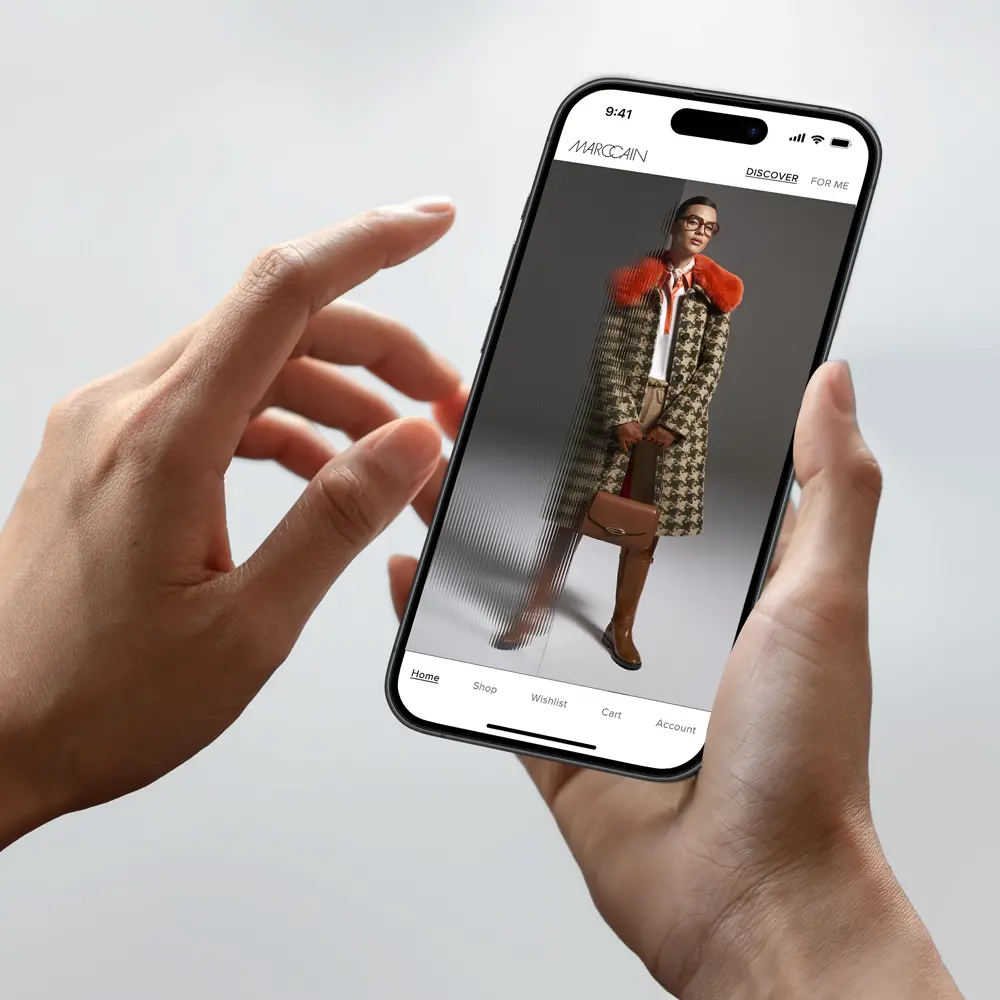
PERSONAL INSPIRATION.
ALL IN ONE APP.
Premium fashion, sophisticated designs and the finest quality – now also available in the new Marc Cain app.
Download the app conveniently from the Google Play Store or the App Store and discover the world of Marc Cain anytime, anywhere.



THE WORLD OF MARC CAIN
Premium fashion, sophisticated designs and the finest quality – now also available in the new Marc Cain app.
Download the app conveniently from the Google Play Store or the App Store and discover the world of Marc Cain anytime, anywhere.
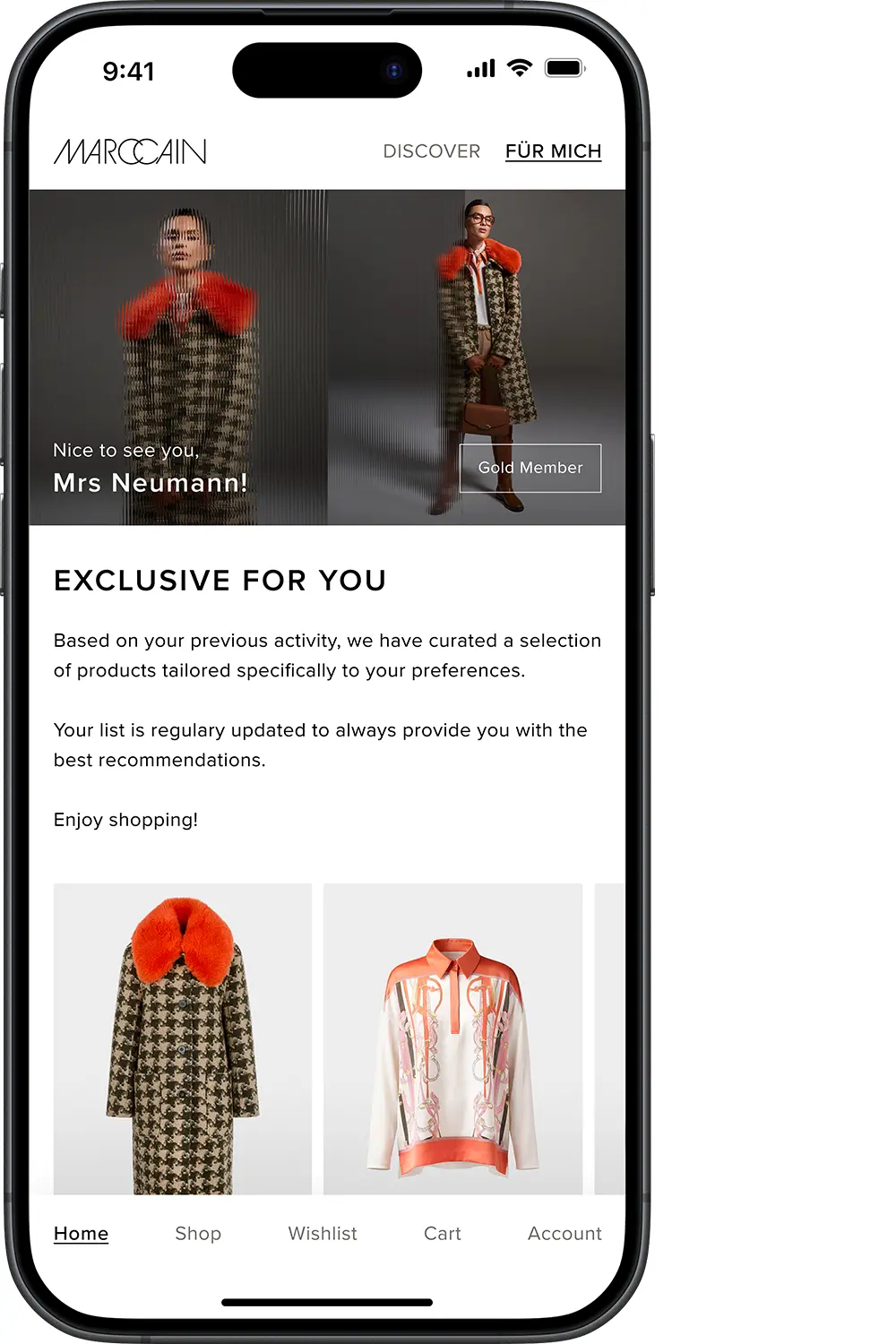
PERSONALISED SELECTION
Look forward to individual recommendations, tailored perfectly to you.
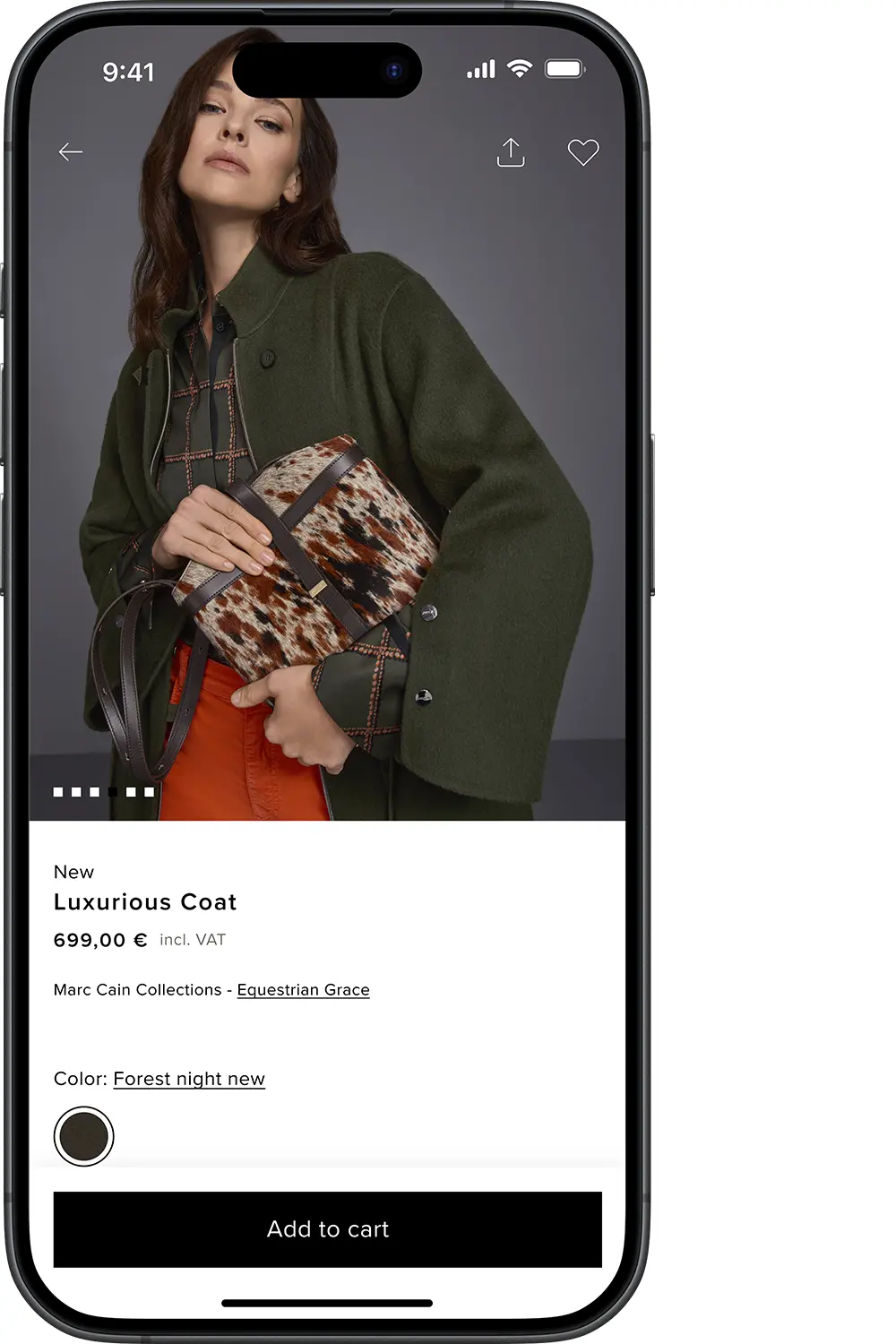
EXPERIENCE INSPIRATION
Let yourself be inspired by our latest collections and lookbooks.
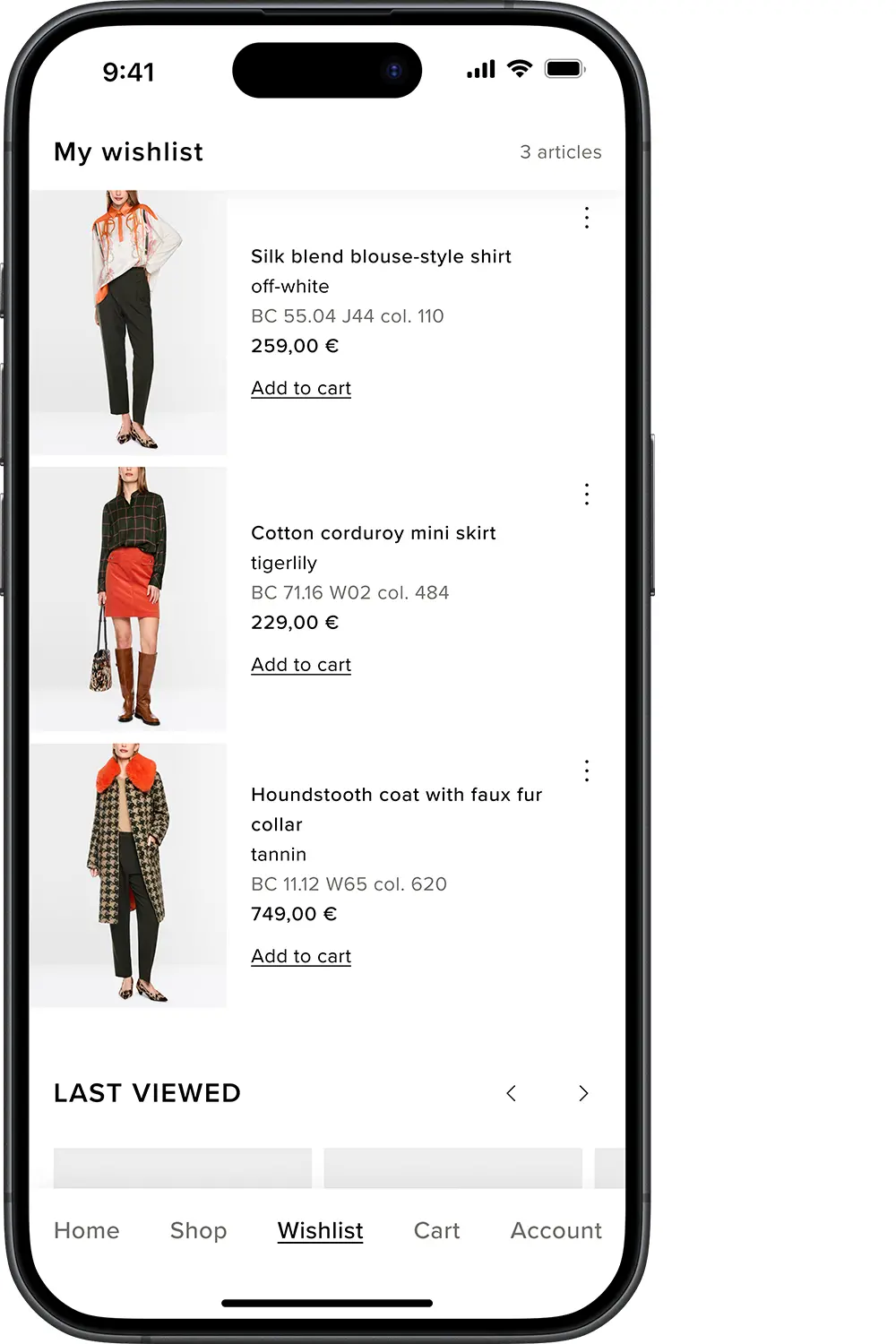
SHOP WITH EASE
Order sophisticated fashion securely and effortlessly from anywhere at any time.
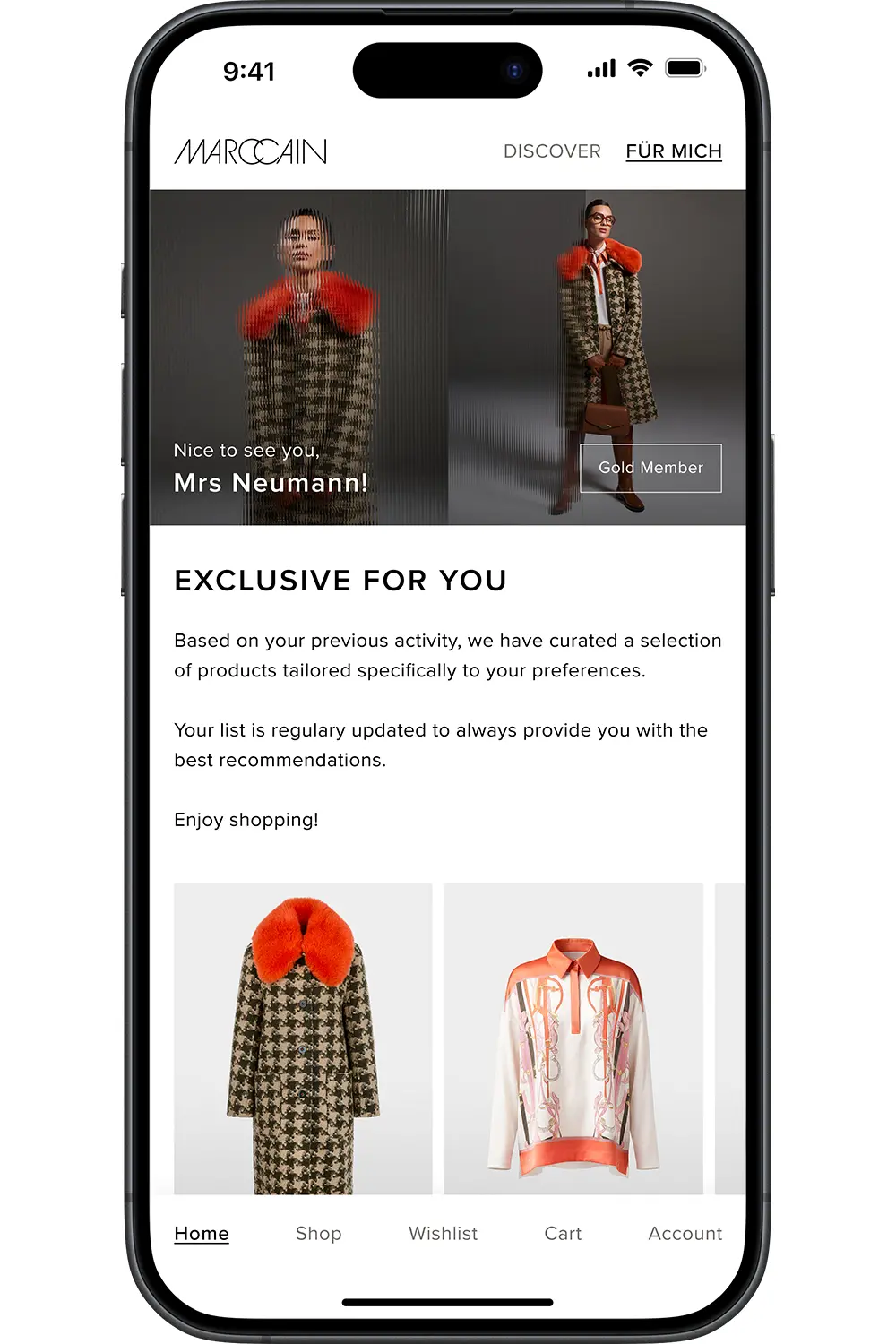
Look forward to individual recommendations, tailored perfectly to you.
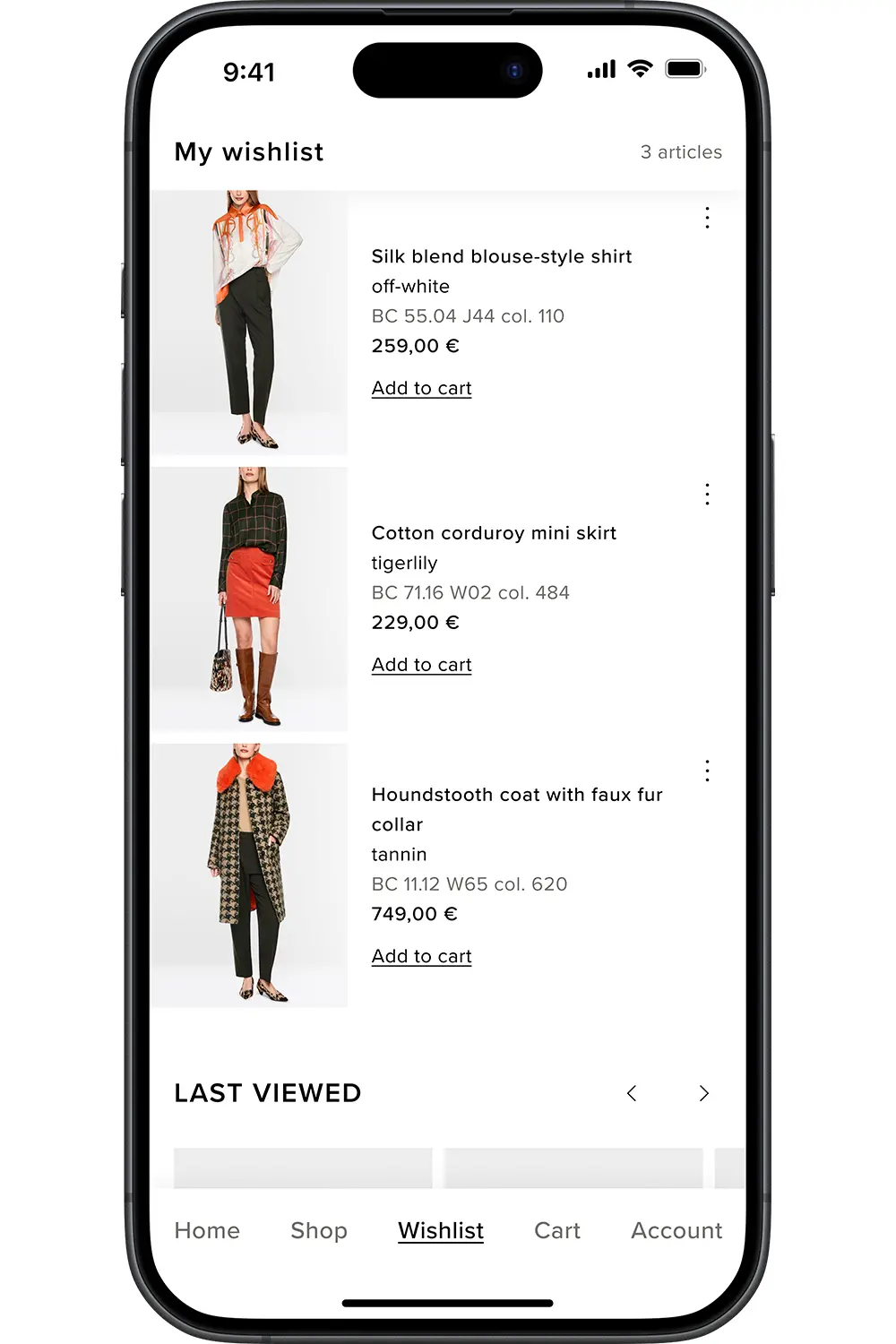
Let yourself be inspired by our latest collections and lookbooks.
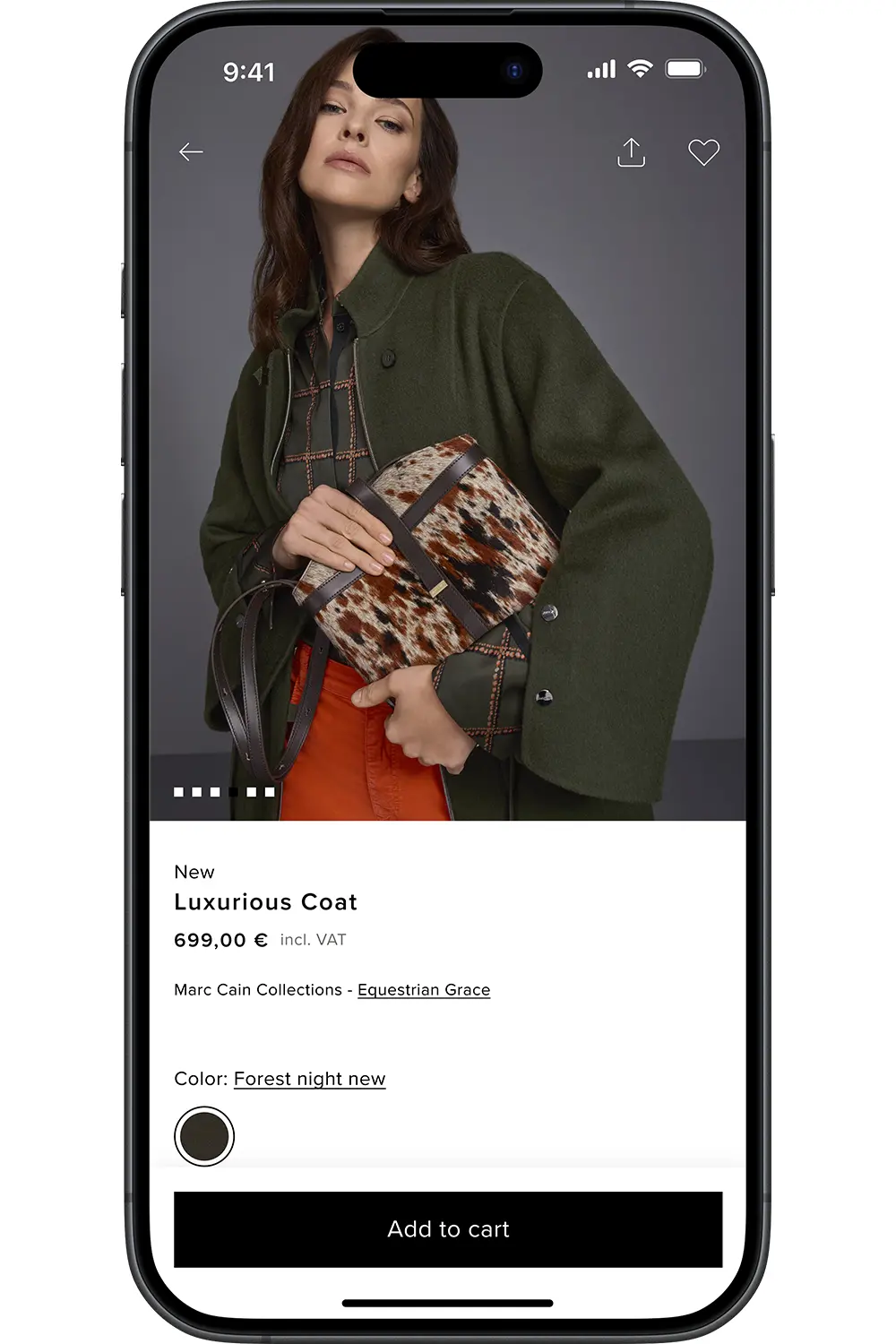
Order sophisticated fashion securely and effortlessly from anywhere at any time.
FAQS
What is the Marc Cain app and what benefits does it offer?
With the Marc Cain app, you can experience the world of Marc Cain conveniently on your smartphone. Discover the latest collections, inspiration and selected looks, and access your personal features at any time.
How do I install the Marc Cain app?
You can install the Marc Cain app on your smartphone free of charge. Depending on whether you use an iPhone or an Android smartphone, please follow the steps below.
Installation on an iPhone
- Open the App Store on your iPhone.
- Tap Search at the bottom of the screen.
- Enter Marc Cain in the search field and select the Marc Cain app from the search results.
- Tap Get. If prompted, authenticate the download using Face ID, Touch ID or your device passcode.
- Wait a moment for the installation to complete.
- Then tap Open.
You will then also find the Marc Cain app as a new icon on your Home Screen.
Installation on an Android smartphone
- Open the Google Play Store on your smartphone. You can recognise the icon by its multicoloured triangle.
- Tap the search field at the top and enter Marc Cain.
- Select the Marc Cain app from the search results.
- Tap Install and wait a moment for the installation to complete.
- Then tap Open.
You will then also find the Marc Cain app in your app overview or on your Home Screen.
How can I update the Marc Cain app?
We recommend always using the latest version of the Marc Cain app. This ensures that you have access to the latest features and improvements.
On an iPhone:
- Open the App Store.
- Tap My Account or your photo at the top of the screen.
- Tap App Updates.
- If the Marc Cain app is displayed, tap Update next to it.
On an Android smartphone:
- Open the Google Play Store.
- Tap the profile icon in the top right-hand corner.
- Tap Manage apps & device.
- Under Updates available, tap See details.
- If the Marc Cain app is displayed, tap Update next to it.
If no update is available for the Marc Cain app, you are already using the latest version.
Do I need to register to use the app?
You can use the app without signing in. However, you need to sign in to use personal features such as your wishlist, Member Card or orders.
Can I use my existing Marc Cain login details in the app?
Yes. If you already have a customer account in the Marc Cain Online Shop, you can sign in using the same email address and your existing password.
How do I enable or disable push notifications?
Push notifications allow us to inform you directly on your smartphone about news, special promotions, new collections and other selected Marc Cain topics.
You can decide whether you would like to receive these notifications.
On an iPhone:
- Open Settings on your iPhone.
- Tap Apps. Select Marc Cain.
- Tap Notifications.
- Turn Allow Notifications on or off.
On an Android smartphone:
- Open Settings on your smartphone.
- Select Apps and then Marc Cain.
- Tap Notifications.
- Turn notifications on or off.
- The names of the menu items may vary slightly depending on your smartphone model and Android version.
What is the Marc Cain app and what benefits does it offer?
With the Marc Cain app, you can experience the world of Marc Cain conveniently on your smartphone. Discover the latest collections, inspiration and selected looks, and access your personal features at any time.
How do I install the Marc Cain app?
You can install the Marc Cain app on your smartphone free of charge. Depending on whether you use an iPhone or an Android smartphone, please follow the steps below.
Installation on an iPhone
- Open the App Store on your iPhone.
- Tap Search at the bottom of the screen.
- Enter Marc Cain in the search field and select the Marc Cain app from the search results.
- Tap Get. If prompted, authenticate the download using Face ID, Touch ID or your device passcode.
- Wait a moment for the installation to complete.
- Then tap Open.
You will then also find the Marc Cain app as a new icon on your Home Screen.
Installation on an Android smartphone
- Open the Google Play Store on your smartphone. You can recognise the icon by its multicoloured triangle.
- Tap the search field at the top and enter Marc Cain.
- Select the Marc Cain app from the search results.
- Tap Install and wait a moment for the installation to complete.
- Then tap Open.
You will then also find the Marc Cain app in your app overview or on your Home Screen.
How can I update the Marc Cain app?
We recommend always using the latest version of the Marc Cain app. This ensures that you have access to the latest features and improvements.
On an iPhone:
- Open the App Store.
- TTap My Account or your photo at the top of the screen.
- Tap App Updates.
- If the Marc Cain app is displayed, tap Update next to it.
On an Android smartphone:
- Open the Google Play Store.
- Tap the profile icon in the top right-hand corner.
- Tap Manage apps & device.
- Under Updates available, tap See details.
- If the Marc Cain app is displayed, tap Update next to it.
If no update is available for the Marc Cain app, you are already using the latest version.
Do I need to register to use the app?
You can use the app without signing in. However, you need to sign in to use personal features such as your wishlist, Member Card or orders.
Can I use my existing Marc Cain login details in the app?
Yes. If you already have a customer account in the Marc Cain Online Shop, you can sign in using the same email address and your existing password.
How do I enable or disable push notifications?
Push notifications allow us to inform you directly on your smartphone about news, special promotions, new collections and other selected Marc Cain topics.
You can decide whether you would like to receive these notifications.
On an iPhone:
- Open Settings on your iPhone.
- Tap Apps. Select Marc Cain.
- Tap Notifications.
- Turn Allow Notifications on or off.
On an Android smartphone:
- Open Settings on your smartphone.
- Select Apps and then Marc Cain.
- Tap Notifications.
- Turn notifications on or off.
- The names of the menu items may vary slightly depending on your smartphone model and Android version.
APP DOWNLOAD



APP DOWNLOAD